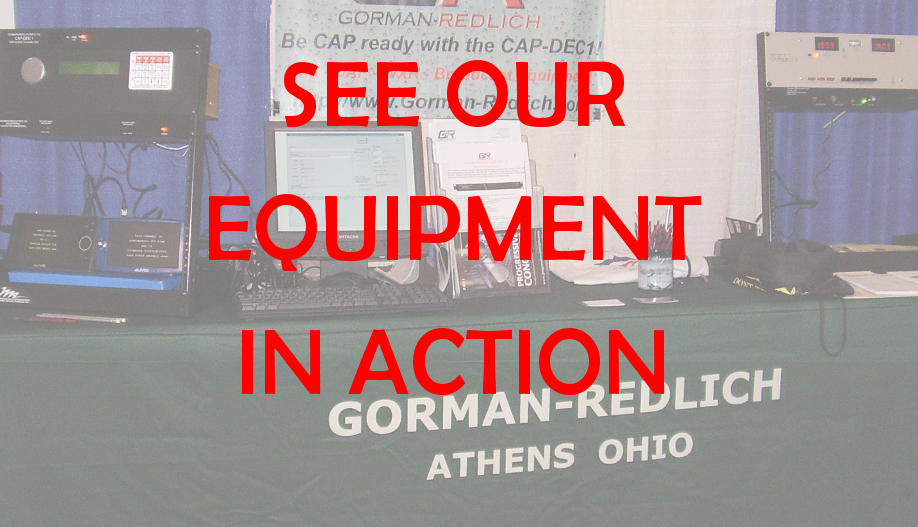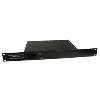
The Model EAS-1/CG has built-in dedicated character generation capabilities for use with television stations
without the need to purchase an additional external generator. The character generator is programmed to
generate EAS systems messages, run the station ID crawl on all channels and show a trouble page on any channel
which loses video feed. For digital stations with multiple channels, the EAS1-CG may be shipped with two internal
character generators (note: this is the model shown in the image above). If additional channels are required, the
EAS1-CG may be paired with the new Gorman-Redlich External CG panel which provides output for up to four additional
channels.
This unit offers the following features:
- Crawl Repeat Interval: The time interval between sets of message crawls can be set for one minute to fifteen
minutes, continuing until the expiration of the message's valid time, with the option for one set of crawls only
with no repeats. The RMT (Required Monthly Test) is programmed to crawl for one set only, no matter what the
setting.
- Crawls per Repeat: The number of message crawls in each set can be set to one to nine, meaning that, if set to
three, the message will crawl three times, then pause for the repeat interval, then will crawl three more times,
and pause, until the expiration of the valid time of the message.
- Trouble Slide: A trouble slide, or background page, has been provided for use whenever program video is off
the air for any reason. This feature maybe set on or off.
- Character/Background Colors: Three settings are available for configuring the appearance of the characters in
the message crawl: white letters on black background, white lettesr on gray background, and black letters on gray
background
- Crawl on Line: The vertical position of the message crawl line on the television screen can be adjusted between
fourteen positions, from the top of the screen to the bottom.
- Message Display Mode: The unit can be set to either crawl the message only, or to start the message with a
full-screen alert page, followed by the crawl.
- System Name: A system name of up to twenty-six characters can be entered through the EAS-1/CG keypad, to appear
with any background page.
- Required Weekly Test: The unit may be set so that when an RWT (Required Weekly Test) is received, the unit will
either crawl the message on the screen, or ignore it. The RWT crawl is different from other crawls, being a short,
single-time message.
- System Tests: Test messages may be sent to in-studio monitors from the unit's Utility menu in order to check system
alignment and functioning.
- Audio Recording through the Speaker: A up-to-two-minute audio message for sending with an alert may be recorded
directly into the unit through the front-panel speaker.
- Station Setup: All unit programming may be accomplished using the unit's keypad and display screen through the
Utility Menu which is accessed with the technician's 4-digit code.
- The unit may be programmed to put up the station ID on the hour. The station ID can also be logged to the printer.
The station ID can be programmed to go up for all 24 hours during the day or any portion of the 24 hour period. The
station ID and the selection of whether to log or not is done through the utility menu using the units keypad and display
screen.
- Easily configurable using the Gorman-Redlich Setup Software
(Windows XP/Vista/7 and DOS compatible)
|